Welcome | Get started | Dive | Contribute | Topics | Reference | Changes | More
dashboard : customizable dashboard
The lino.modlib.dashboard plugin adds functionality for letting the users
customize their dashboard.
Usage
As long as a user didn’t populate their dashboard, the list is empty and they will get all the available dashboard items provided by the application.
>>> from lino_book.projects.tera1.startup import *
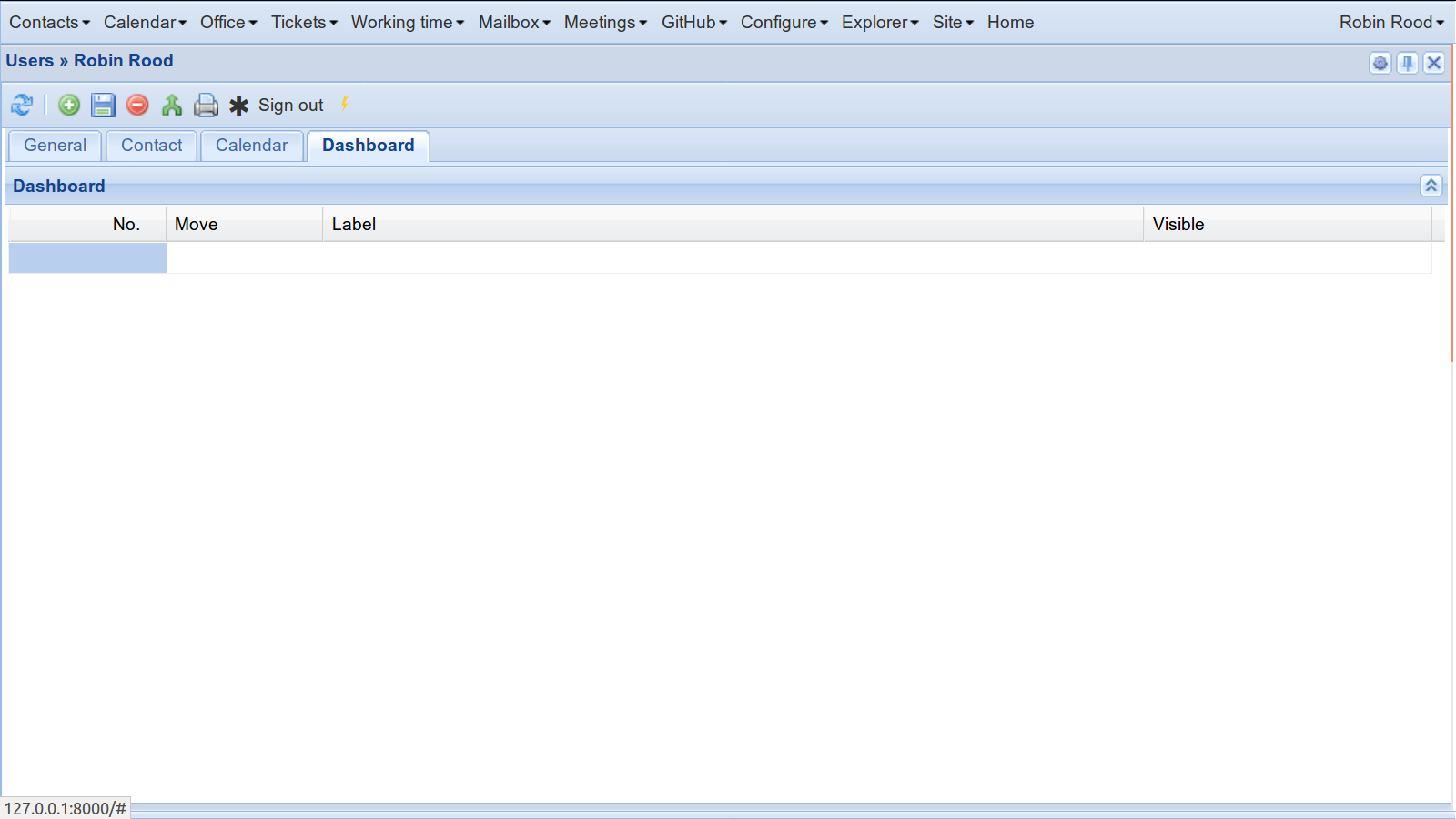
Dashboard preferences (empty)
Click the ⚡ button in order to populate the table.
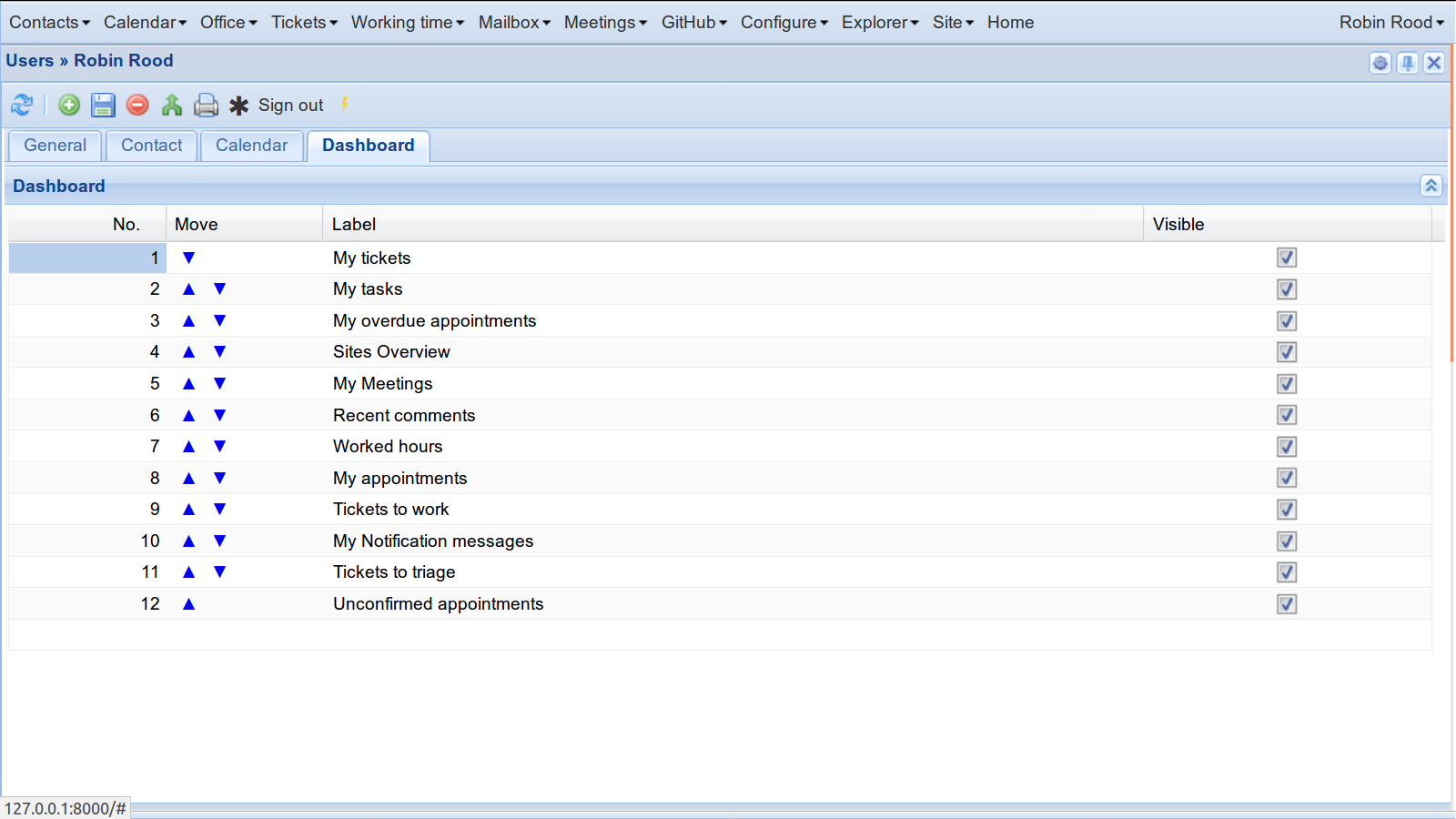
Dashboard preferences (populated)
Now you can hide/show individual items and change their order.
Hide a dashboard item for an application
In tera1 we simulate the situation that user robin has populated his dashboard.
The following snippet also shows that accounting.JournalsOverview is not visible. This is because
Lino Tera has customized the Site.is_visible_in_dashboard method.
>>> rt.show(dashboard.Widgets)
==== ===== ============ =============================== =========
 ID   No.   User         Resource                        Visible
---- ----- ------------ ------------------------------- ---------
 1    1     Robin Rood   accounting.JournalsOverview     No
 2    2     Robin Rood   cal.MyTasks                     Yes
 3    3     Robin Rood   cal.MyEvents                    Yes
 4    4     Robin Rood   cal.MyOverdueAppointments       Yes
 5    5     Robin Rood   cal.MyUnconfirmedAppointments   Yes
 6    6     Robin Rood   cal.MyUpcomingAttendances       Yes
 7    7     Robin Rood   calview.DailyPlanner            Yes
==== ===== ============ =============================== =========